Industry solutions
Visitor management for regulated industries.
SecurePoint screens visitors against named sanctions and watch lists, holds a possible match for a person, and keeps the record of every decision. Each site sets its own steps, so a defense plant, a substation and a county office can run the same product their own way.
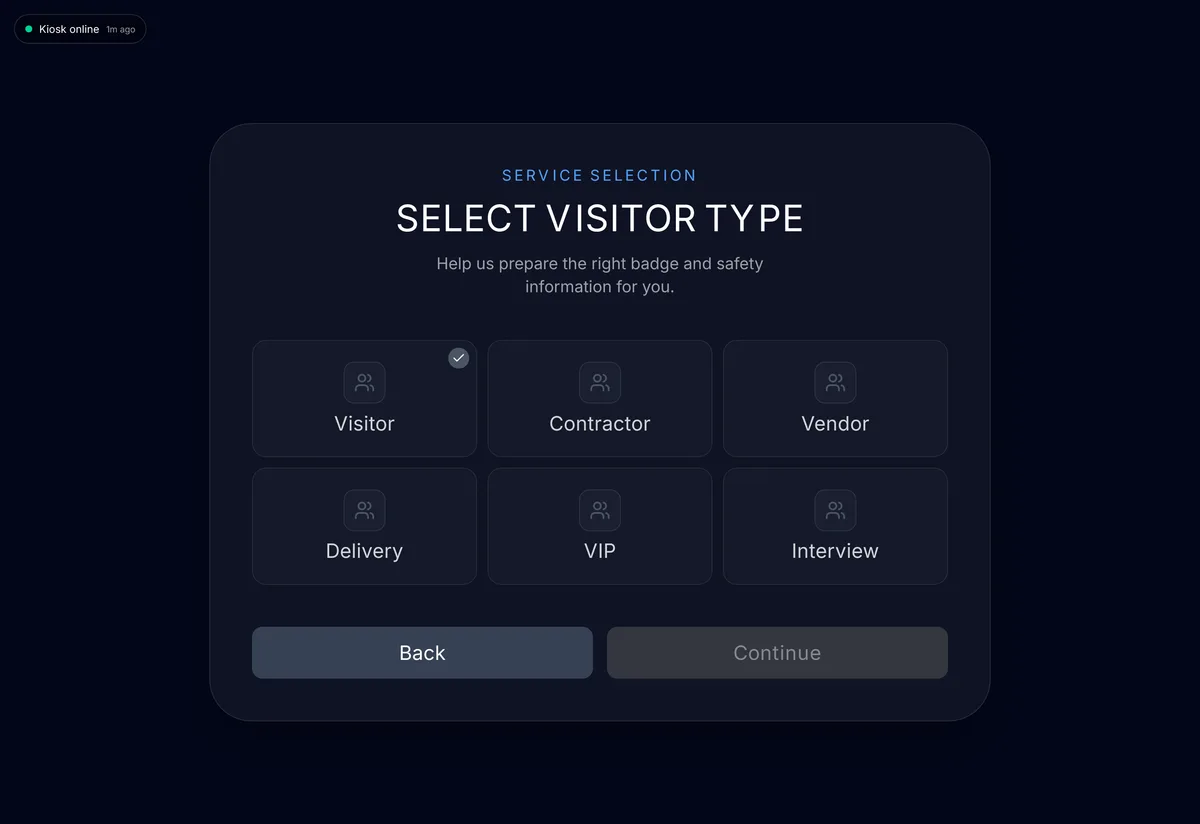
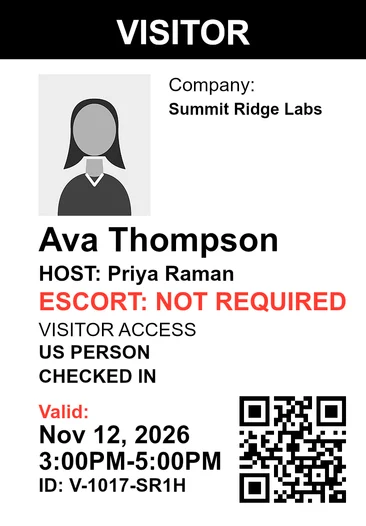
Pictured: the kiosk and a badge printed by SecurePoint, from a demo organization with fictional visitors.
- Named sanctions and watch lists
- OFAC, BIS, UN, UK, EU and more, when a visitor registers or at the kiosk.
- Held for a person
- A possible match waits for a reviewer, who records the decision and a reason.
- No badge until the checks clear
- Pending reviews, missing NDAs and incomplete screening stop the print.
- Escorts at ITAR sites
- A foreign national can't be admitted until an escort is assigned.
- Append-only audit trail
- Hash-chained, with a verifier. Application users can't edit or delete it.
- 10-year decision records
- Screening and review records can't be deleted for 10 years.
Find the page that fits your facility.
What each site can require.
The same product runs in each industry. What changes is the site's security profile: host approval, ID capture, an NDA or safety briefing, an escort, as your plan includes them.
Check-in at a tablet kiosk.
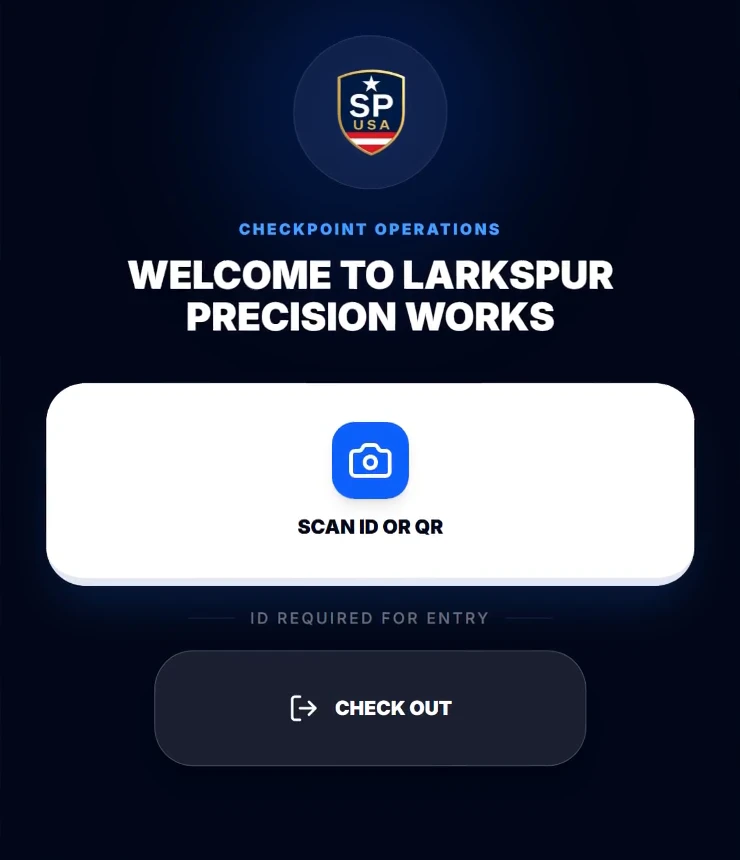
Invited visitors check in with the QR code from their invite. Walk-ins start with ID capture. Depending on the site's rules, visitors give their host and purpose, attest U.S.-person status, sign the NDA and take a badge photo, and walk-ins are screened before the kiosk checks them in.
Pre-registration and QR check-in, walk-ins at the kiosk, and manual check-in at the desk.
Runs on hardware you can buy today.
The SecurePoint Kiosk app for iPad and Android tablets is on the App Store and Google Play in the United States. Badges print on the Brother QL-820NWB with DK-2251 labels, which SecurePoint supports, from the kiosk app, a browser, or the PC Print Connector.


SecurePoint Education
Sanctions screening for school business offices.
When tuition, a sponsorship or a gift comes from abroad, check the payor against government sanctions lists and keep a dated record of who reviewed it and why it cleared. SecurePoint Education is a separate product from SecurePoint Visitor.
See it with a visit you run every week.
Bring a sample visit from your industry. We'll walk through check-in, a held match, and the evidence pack.