
Manufacturing
Visitor management for manufacturers with ITAR and EAR work.
Vendors, contractors and a customer's engineers come through the same door as a prime's supplier auditor. SecurePoint screens each of them before the badge prints, holds a foreign national for an escort at an ITAR site, and keeps a record you can export when the prime audits you.
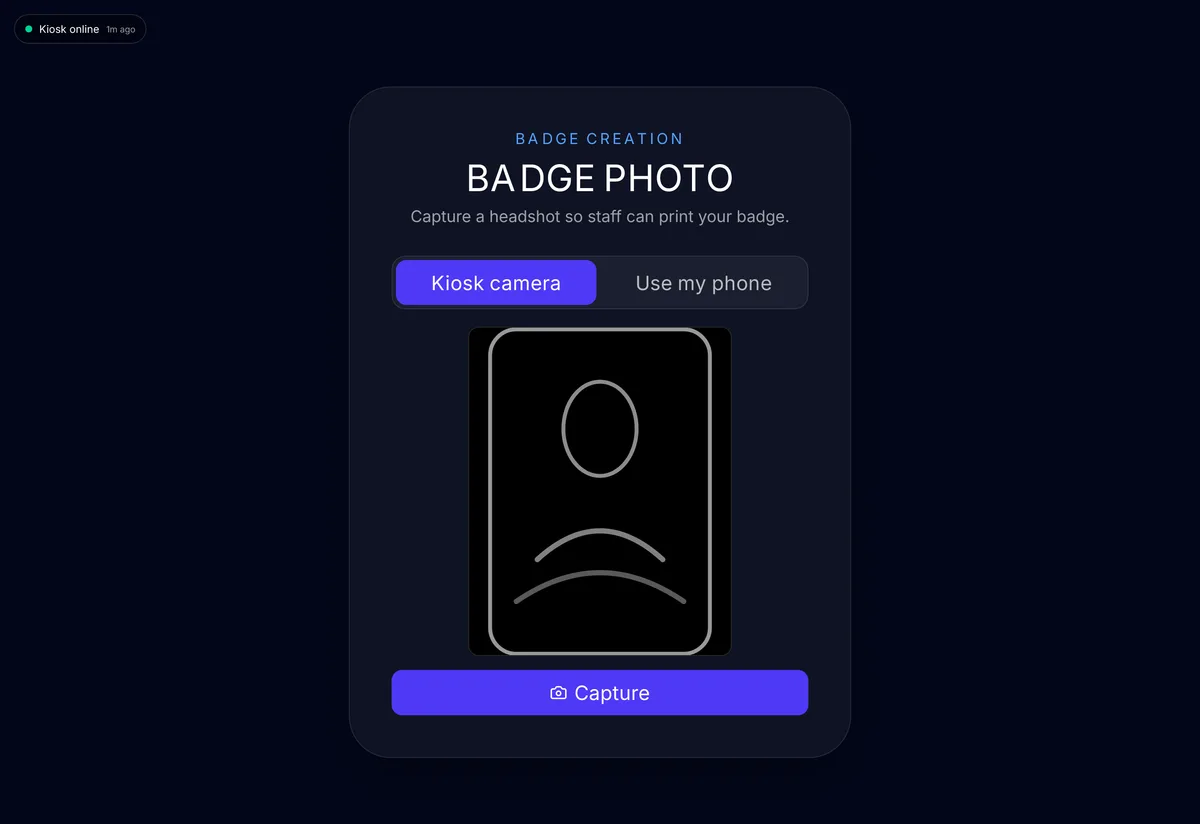
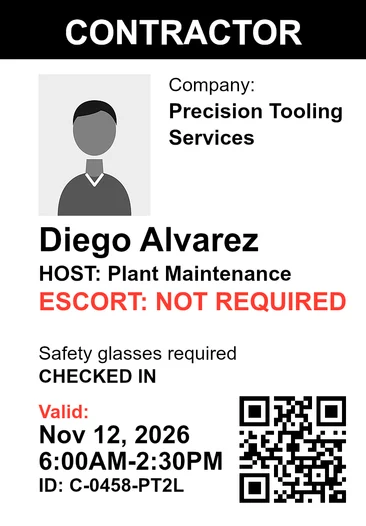
Pictured: the kiosk and a badge printed by SecurePoint, from a demo organization with fictional visitors.
- Screened before the badge prints
- Vendors, contractors and visitors, against OFAC, BIS, UN, UK, EU and more.
- Escorts at ITAR sites
- A foreign national can't be admitted until an escort is assigned.
- NDAs and safety briefings
- Signed at the kiosk, on a phone or at the desk, before the badge prints.
- Returning contractors re-screened
- At check-in, once their last approved screening is older than your interval.
- Append-only audit trail
- Hash-chained, with a verifier. Application users can't edit or delete it.
- Evidence by plant and period
- Pick the sites and date range. The pack exports with SHA-256 checksums.
ITAR and EAR visitors on the shop floor.
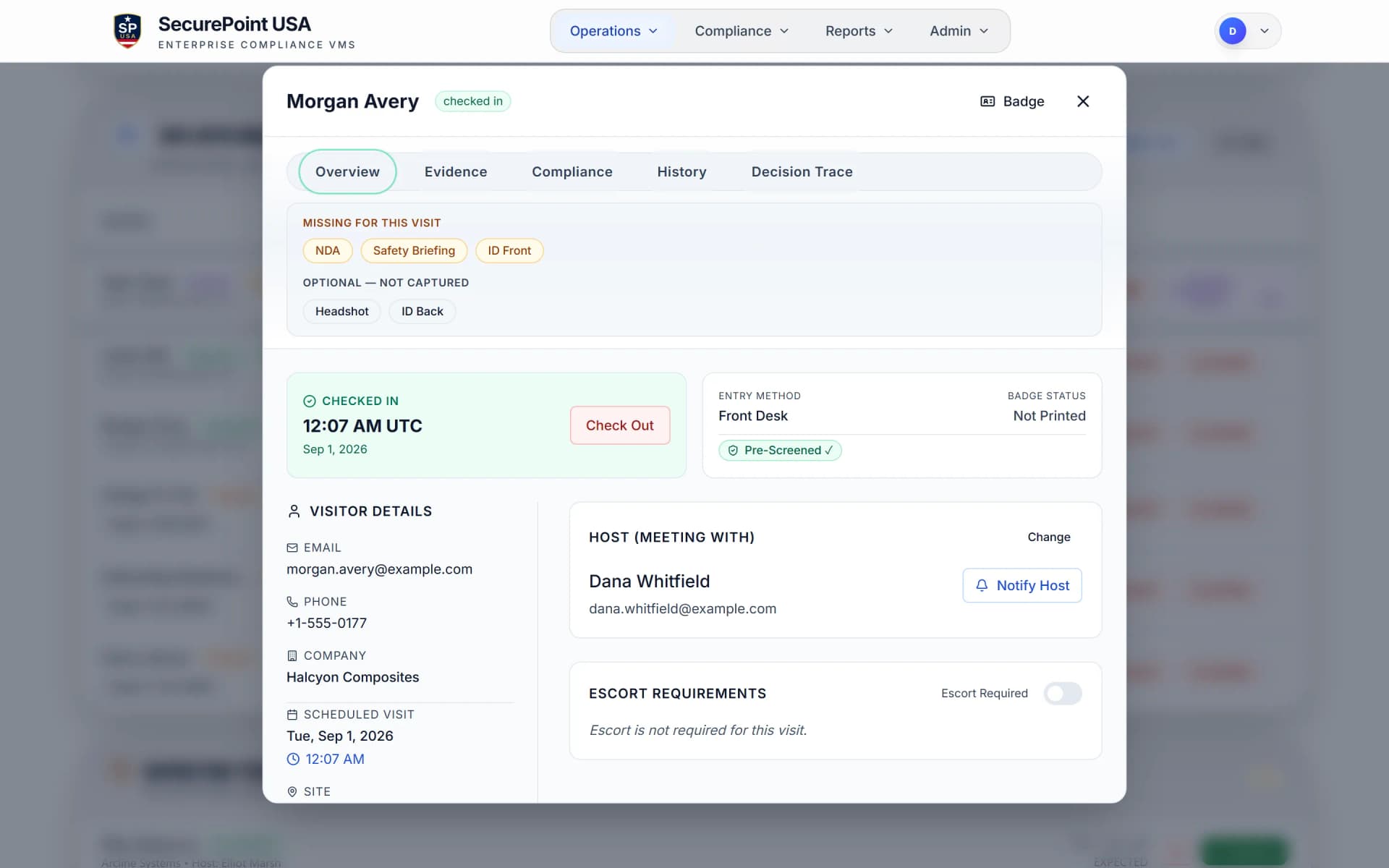
Each site's security profile sets what a visit needs: host approval, ID capture, an NDA or safety briefing, an escort. The badge waits until it is done.
Foreign nationals wait for an escort.
Visitors attest U.S.-person status at check-in. At an ITAR site, a foreign national needs an escort and host verification, and the desk can't admit them until an escort is assigned. Nationals of ITAR §126.1 countries are held for compliance review.
Requirements are set per site. The drawing shows the default posture for a site marked ITAR-controlled.
The badge waits for the paperwork.
Host approval, ID capture, the NDA or safety briefing, an escort where the site requires one: until those are on the visit and screening has cleared, the badge does not print.
Only a staff role allowed to override can print past a missing step, and it takes a written reason. A required escort can't be skipped that way.
Contractors, vendors and the walk-in you didn't plan for.
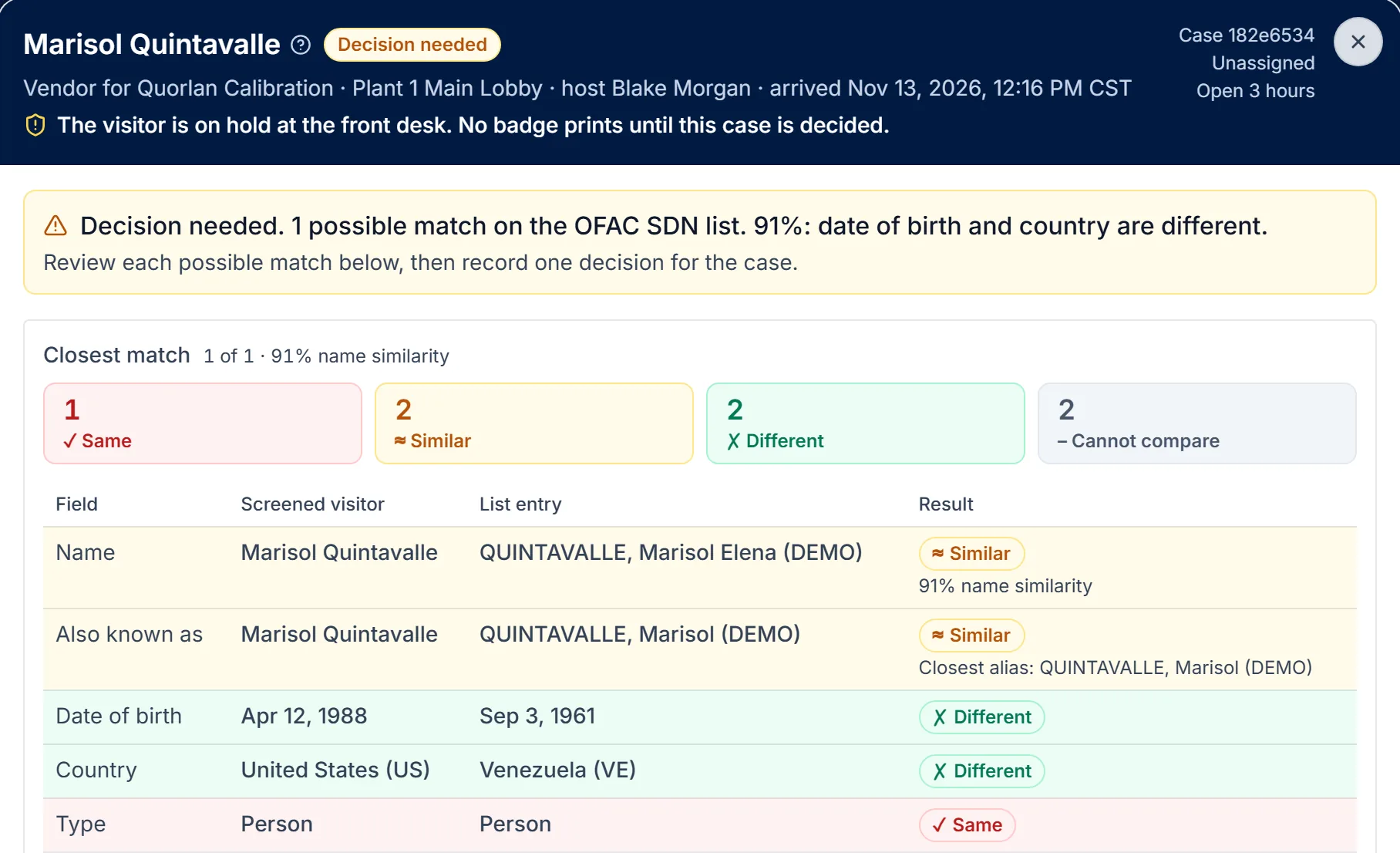
Screening runs when a visitor registers, or at the kiosk for walk-ins. Each list refreshes on its own schedule, and a contractor who keeps coming back is screened again once their last screening is old enough.
Walk-ins are screened at the kiosk.
A vendor with no invite checks in at the lobby kiosk. They capture their photo ID and enter their name, their host, purpose and country of citizenship, sign the NDA if one is required and take a badge photo, and they are screened before the kiosk checks them in.
Read the transcript
Not every visitor is invited ahead of time. At the lobby kiosk, a walk-in starts by scanning their photo ID.
Their name fills in from the ID. They add their company and a way to reach them, then pick the person they're here to see and say why they're visiting.
They give their country of citizenship, and at an export-controlled site, they confirm the attestation the site requires.
Then they answer any questions the site asks, sign the NDA if one is required, and take a badge photo.
SecurePoint screens them against sanctions and restricted-party lists. Once they're cleared, the kiosk checks them in, or, at sites with autonomous check-in, asks them to wait for their host.
Their host gets an email that they've arrived, and the front desk sees them on site, with their photo and ID on file.
SecurePoint Visitor. Screen visitors at check-in, and keep the decisions on record.
Returning contractors are screened again.
A returning contractor is screened again at check-in when their last approved screening is older than the interval your organization sets for that site and visitor type. A possible match holds the visit for a reviewer, who records the decision and a reason.
Contractors and vendors you keep on file can also be re-screened on a schedule with workforce and vendor screening.
When a prime audits you as a supplier.
Export the visits, screening results, review decisions and audit trail for the plant and period the auditor asks about, as an evidence pack with SHA-256 checksums. For CMMC Level 2, visitor records are evidence for some Physical Protection requirements and not others.
| Requirement | Evidence | What SecurePoint records |
|---|---|---|
| PE.L2-3.10.3 and 3.10.4Escort visitors and monitor visitor activity. Maintain audit logs of physical access. | Direct evidence | Escort assignment, start and end are recorded against the visit, and visitor access goes into the append-only audit trail. |
| PE.L2-3.10.1 and 3.10.5Limit physical access. Control physical access devices. | Supporting | Authorization and badge issuance are recorded. Your facility enforces the boundary, collects badges and keeps the badge stock. |
| PE.L2-3.10.2Protect and monitor the physical facility. | Partial | Shows who is on site and for how long. There is no CCTV or access-control integration and no location tracking. |
| PE.L2-3.10.6Safeguarding at alternate work sites. | Not claimed | Concerns alternate work sites, which visitor records do not address. |
Related pages
Walk a supplier audit with us.
We'll check in a vendor, hold a foreign national for an escort, and export the evidence pack for one plant and one month.
Frequently asked questions
- Does SecurePoint make us CMMC compliant?
- No. CMMC compliance is a program you run and an assessment you pass. SecurePoint is one internal control inside that program and the records that show the control operated. The obligation stays with your organization.
- Are contractors re-screened, or only screened once?
- Re-screened. A returning contractor is screened again at check-in when their last approved screening is older than the interval your organization sets for that site and visitor type. A screen is only current as of the moment it ran.
- Can evidence be exported for one site and date range?
- Yes. Evidence packs are generated against the sites and date range you choose, with checksums, so a review of one facility and one period does not require exporting everything.
- Who decides when a vendor is flagged?
- An authorized reviewer in the adjudication queue, not the person at the door. The decision and its reasoning are recorded against the visit and export with it.
- Does SecurePoint decide whether a visit is a deemed export?
- No. Whether a visit releases controlled technology to a foreign person is for your export-control officer or counsel. SecurePoint records the visitor's U.S.-person attestation, the escort and the host's verification, and holds the badge until the site's rules are met.