
SecurePoint products
Screening products for regulated facilities, schools and trade teams.
SecurePoint Visitor runs check-in, sanctions screening, escorts, badges and audit evidence for ITAR and CMMC facilities. SecurePoint Education screens tuition payors for school business offices. Trade and Regulated Access are separate products, each with its own page.
Pictured: the kiosk's Your visit step and a contractor badge, from a demo organization with fictional visitors.
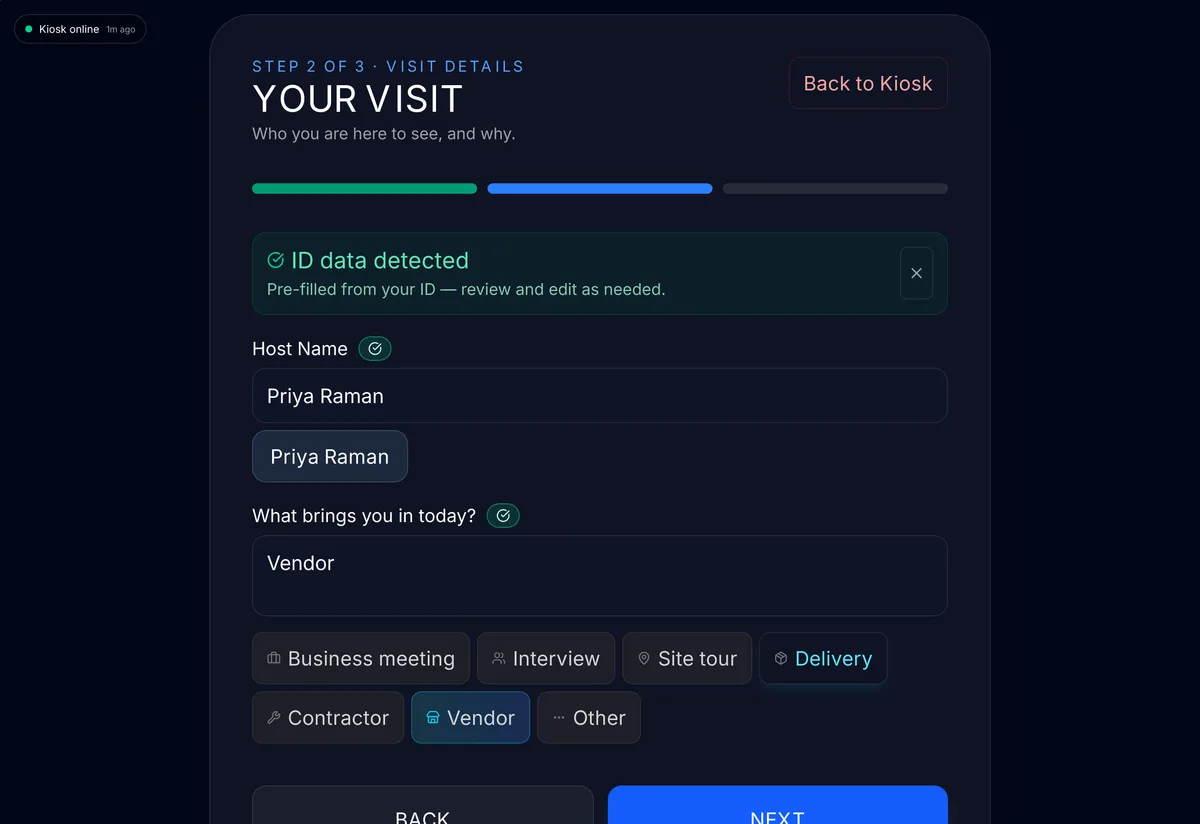
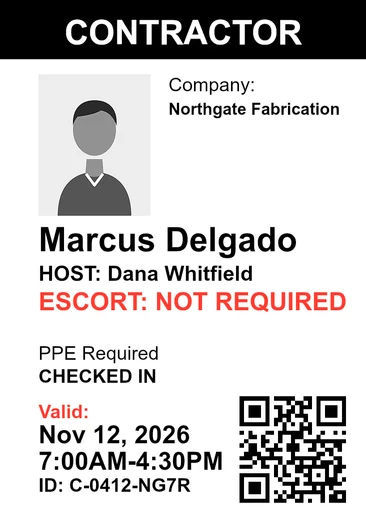
- Screening before the badge
- Visitors are checked against named sanctions and watch lists, and the badge waits for the checks.
- A person decides every possible match
- Name matching is fuzzy matching, not AI. The reviewer records the decision and a reason.
- Append-only audit trail
- SHA-256 hash-chained. Application users can't edit or delete it.
- 10-year decision records
- Screening and review records can't be deleted for 10 years.
- Kiosk app for iPad and Android
- On the App Store and Google Play in the United States.
- Hosted in U.S. regions
- The application runs on Vercel and the database on Supabase, both in U.S. West regions.
SecurePoint Visitor
Visitor control for ITAR and CMMC facilities.
Every visitor is checked against restricted-party lists before a badge prints, foreign nationals are escorted at ITAR sites, and every decision is kept for your auditor.
From the invite to the badge, on one record.
A host invites a visitor from Host Hub, and screening runs when the visitor registers. Walk-ins are screened at the kiosk. A possible match holds the visit until a reviewer decides, and the badge prints only when the checks clear.
Check-ins, decisions and badge prints go into an append-only audit trail. Evidence packs export it with the visits and screening results for the date range and sites you pick.
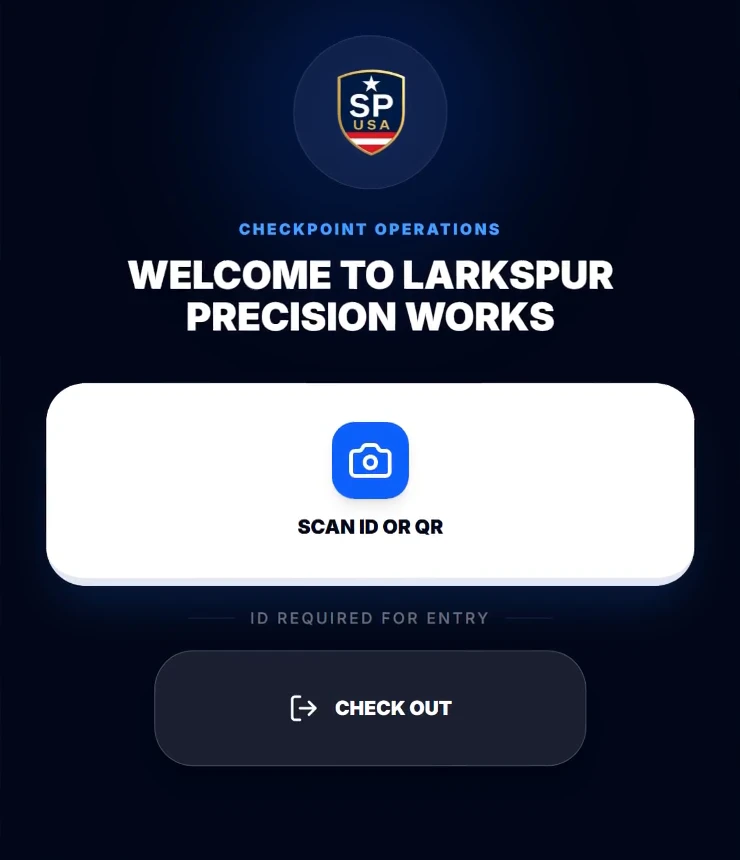
Kiosk screens are dark by design. Pictured: the kiosk welcome screen for a demo facility.
Four products, each with its own page.
Visitor and Education are available now. Trade is offered as a preview, and Regulated Access runs from its own site. Ask about access or reporting across products during implementation.
| Product | Availability | What it does |
|---|---|---|
| SecurePoint VisitorFor ITAR and CMMC facilities | Available | Check-in at a kiosk or the front desk, sanctions screening before the badge prints, escorts, badges, and evidence packs for your assessor. |
| SecurePoint EducationFor school business offices | Available | Screens students, tuition payors, sponsors and donors against sanctions lists, and keeps a dated record of who reviewed each match and why it cleared. |
| SecurePoint TradeFor export and trade teams | Preview | Screens the parties on export transactions and holds a flagged transaction for a person to review. Module availability and ERP integration scope are confirmed with the Trade team before rollout. |
| SecurePoint Regulated AccessFor regulated facilities | On its own site | Pre-access compliance review for regulated facilities, run from its own site. Provider screening is offered in configured commercial pilots. |
Where to go next
See SecurePoint Visitor with a visit you run every week.
Bring a sample visit. We'll walk through check-in, a held match and the evidence pack.
Product questions buyers ask first
- Which SecurePoint product should I start with?
- Defense contractors and other ITAR and CMMC facilities start with SecurePoint Visitor. Schools that screen tuition payors, sponsors and donors start with SecurePoint Education. Export and trade teams can request a SecurePoint Trade preview, and Regulated Access has its own site.
- Does SecurePoint charge per screening?
- Not for visitors. Visitor plans are priced per site, with unlimited visitor screenings. The pricing page has the current plans.
- How long are records kept?
- In SecurePoint Visitor, screening and review records can't be deleted for 10 years. Activity goes into an append-only, hash-chained audit log that application users cannot edit or delete, with a verifier that checks the chain.
- Does AI make screening decisions?
- No. Name matching is fuzzy matching, not AI. By default an AI provider named on the Subprocessors page also writes a summary of each screened name for the reviewer. A person decides every possible match and records a reason.